
DigiYatra lets enrolled passengers use their face instead of showing a ticket and ID at participating checkpoints, so a printed boarding pass is often not needed at DigiYatra lanes. But it depends on the airport and the airline, and gates do not always have the cameras. Keep a digital or printed boarding pass and a valid photo ID as backup.
Updated November 2026 · HappyFares
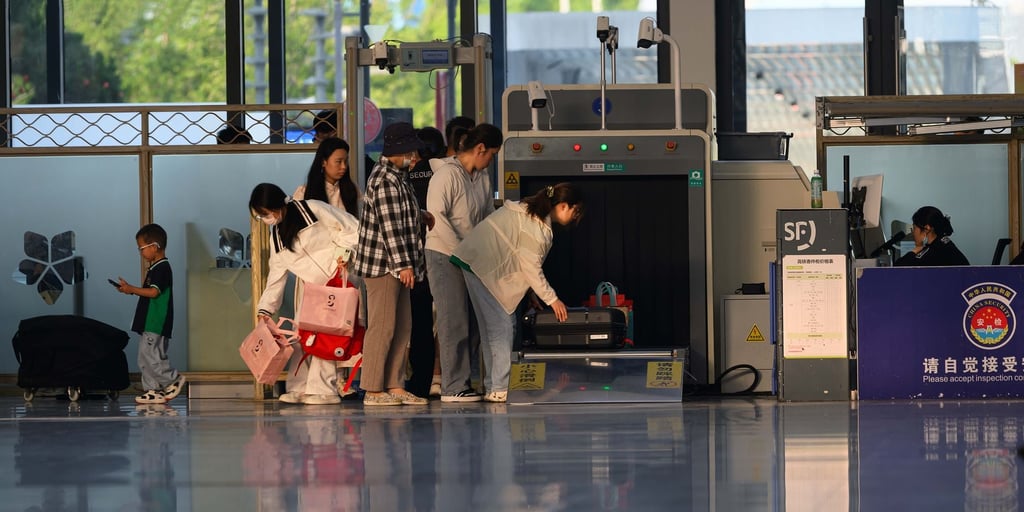
DigiYatra is a facial recognition based system for contactless entry at Indian airports, an initiative of the Ministry of Civil Aviation that is operated through the DigiYatra Foundation. It reduces the number of times you hold up a phone or paper, but it does not remove the need to be prepared.
How does DigiYatra entry work?
You enrol in the DigiYatra app once, which involves verifying your identity and adding a face photo. For each trip, you add your flight booking to the app, typically by scanning the boarding pass or its barcode. At an airport that supports it, you use the DigiYatra lane, the camera matches your face with your stored ID, and the gate opens without a staff member checking a paper or phone.
According to the civil aviation ministry, as reported in March 2023, passenger data under DigiYatra is stored in the passenger’s own device and not in a central store. The ministry said the data is shared only between the passenger and the departure airport, and is purged from the airport’s system within 24 hours of the flight’s departure. The first phase went live at Delhi, Bengaluru and Varanasi airports.

Do you still need a printed boarding pass with DigiYatra?
At a working DigiYatra lane, the face scan stands in for the paper pass at that checkpoint. That is the whole idea. But the answer is not the same everywhere, and reports of how it works at the aircraft door differ. Some accounts say a final face scan at the boarding gate replaces the airline’s boarding pass scan. Others say only some gates have cameras, so you may still be asked to show a pass.
Some airport pages advise passengers to carry a physical boarding pass while moving through the airport. The practical rule is simple: the DigiYatra lane is a shortcut, not a guarantee. If the camera fails to recognise you, or the lane is closed, staff will ask for the usual documents.
Is DigiYatra compulsory?
For domestic flights it is described as a voluntary facility. You can skip it and use the normal queue with your boarding pass and ID. Some recent reports suggest the position may differ for certain international passengers at selected airports, but I could not confirm that from an official release, so check with the airport and your airline if you are flying abroad.
If you do not want to enrol, nothing about your ticket changes. You travel as normal with the standard documents.
Which airports offer DigiYatra?
The list has grown since the first three airports, and published counts vary between sources. Rather than trusting a number, check the DigiYatra app or your departure airport’s own page for the terminal and gate you will use. Even at a listed airport, not every terminal or entry gate may have a DigiYatra lane.
- Check that your departure terminal has DigiYatra lanes.
- Add your boarding pass to the app before you reach the airport.
- Arrive with your boarding pass and ID anyway, in case a lane is down.
What is the benefit of using DigiYatra at all?
The point is fewer stops where you hunt for a phone screen or paper. At a supported entry, security and boarding gate, the lane aims to let you pass with a look at the camera rather than a document check. On a busy morning, that can shorten the time spent at those points, though it will not make a long security queue disappear.
It is most useful when you travel light, have already completed web check-in, and are flying from a terminal where the lanes are clearly signposted. If you are checking in a bag, you still go through the airline’s bag drop as usual.
Keep the photo ID you used to book. Airlines and security checks can still ask to see it, and the normal queue always needs it. Checking in is free with Indian airlines, so completing web check-in and saving the digital boarding pass on your phone costs nothing and gives you a fallback if DigiYatra misbehaves.
Did you know? You need your phone for the app and for the digital boarding pass, so a charged battery matters. A power bank, or a screenshot of the boarding pass, is a sensible backup.
Common Questions
Can I skip a printed boarding pass entirely?
Often yes, if you use a DigiYatra lane and carry a digital boarding pass on your phone. Printing it is a backup, not a requirement, but airport and airline practice can differ.
Do I need a boarding pass to enrol in DigiYatra?
Enrolment is one step and linking a flight is another. You usually add each flight’s boarding pass details to the app before you travel.
What if the face scan fails?
Use the normal queue and show your ID and boarding pass. Staff at the airport will help you.
Is DigiYatra the same as web check-in?
No. Web check-in is done with your airline. DigiYatra is a separate airport entry facility. Checking in online is free with Indian airlines.
Does my data stay with the airport?
The ministry has said data is held on your own device and shared with the departure airport, which purges it within 24 hours of departure. Read the app’s privacy terms before enrolling.
Ready to plan your next trip? Search and compare flights on HappyFares, with zero convenience fee on domestic bookings, price alerts and Meera, our AI assistant, to help you choose.
Rules and fees change; verify current specifics with the airline, DGCA, or the airport before you travel.

